Filtering What You See
If your interest on the site only include a particular brand or collection of brands, the site has some settings that are designed specifically for you! One tool lives on the front page and the other in the forums front page.
Front Page
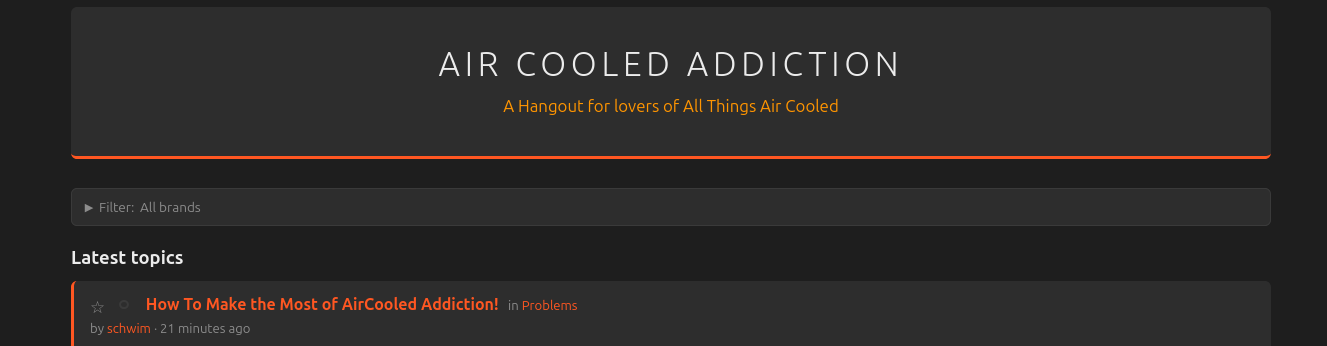
The latest content gets posted to the front page. If you only want to see content regarding particular brands,
If the filter window is closed, just click it to open it.
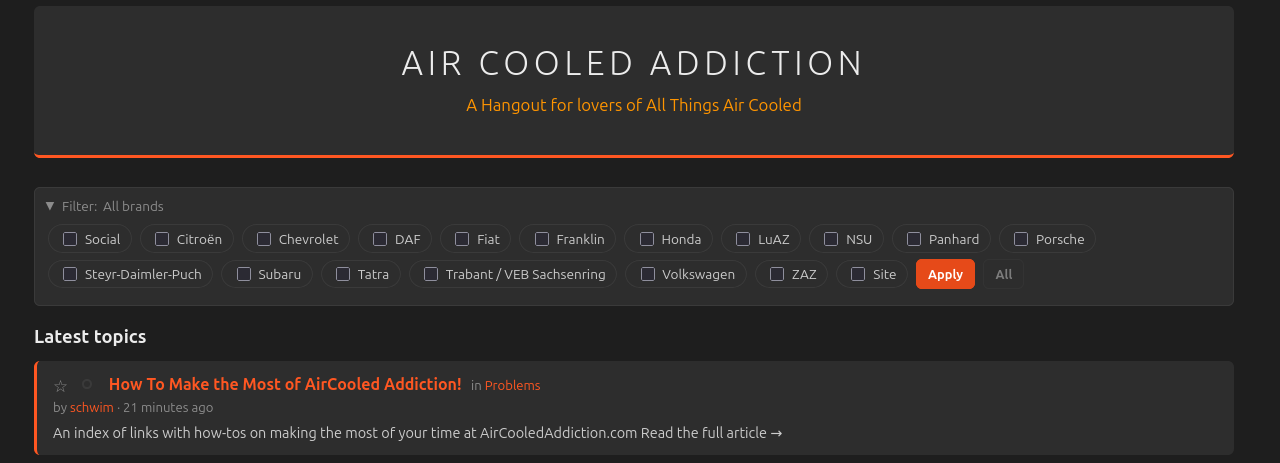
Once open, select the brands you want to see on the front page and click "Apply"
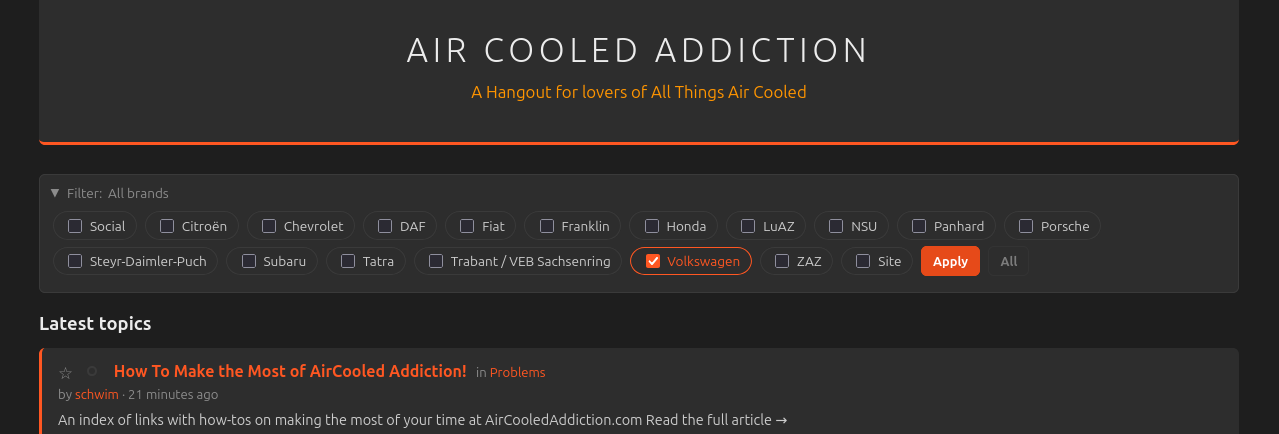
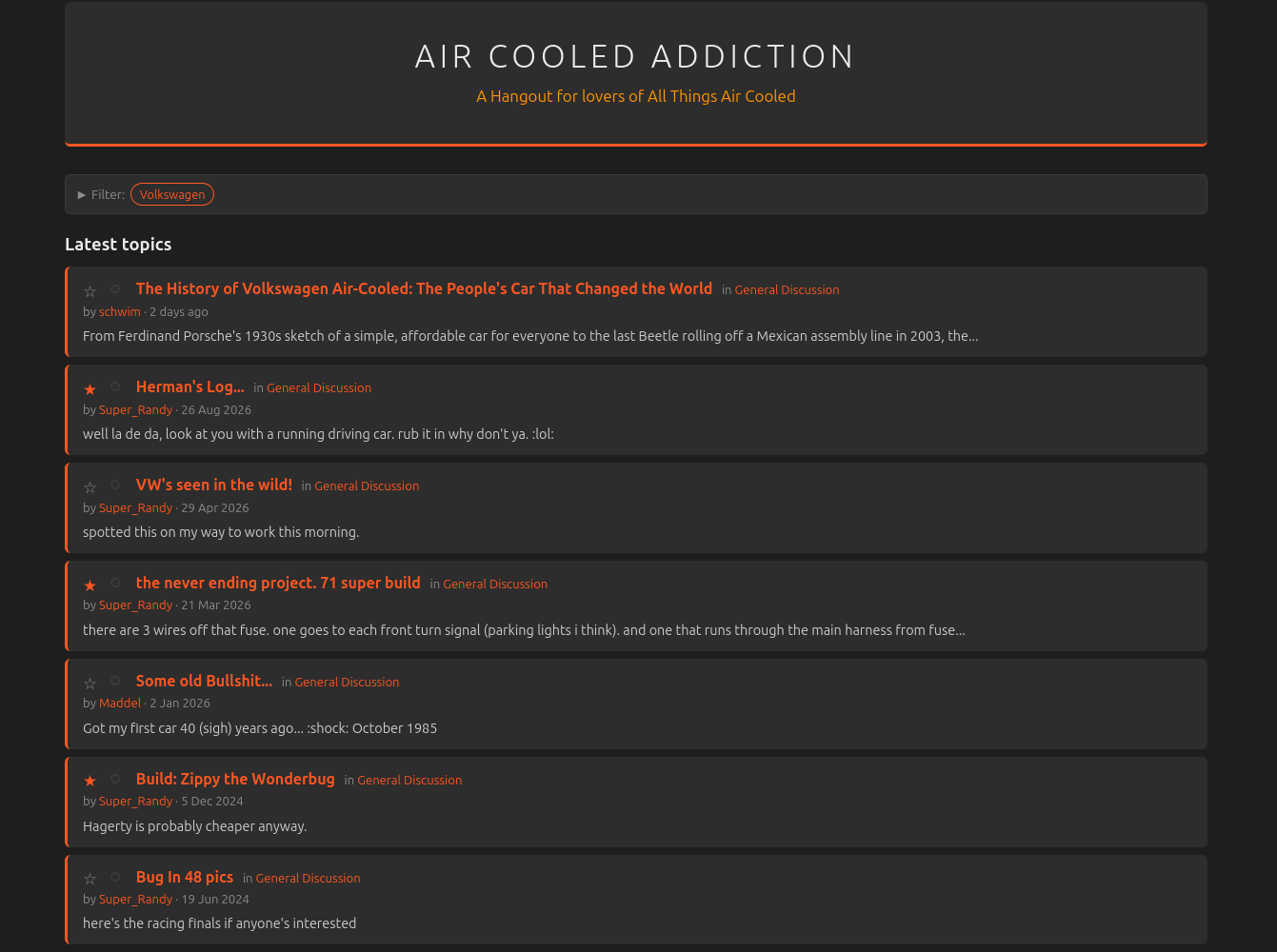
Your feed will retain this filter until you select "All" in the filter at which point it will show you everything once again.
Forum Index
The forum can be customized to show you only the categories you're interested in. You can use both the "Pin" and "Collapse" features.
At the top right of each category, you'll see a grey outline of a pin. Clicking that pin will move that category to the top of the forum index so that you always see it first.
When looking at a category that is expanded, you should see a down arrow in front of the category name.
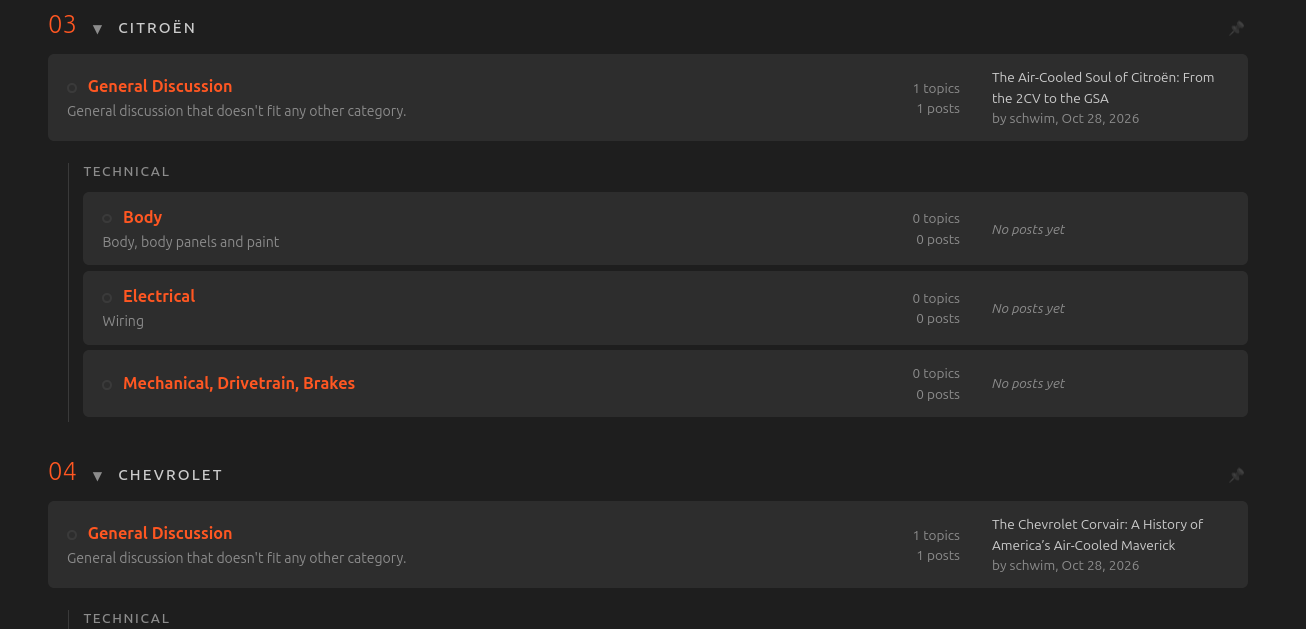
Clicking that arrow will collapse the category.
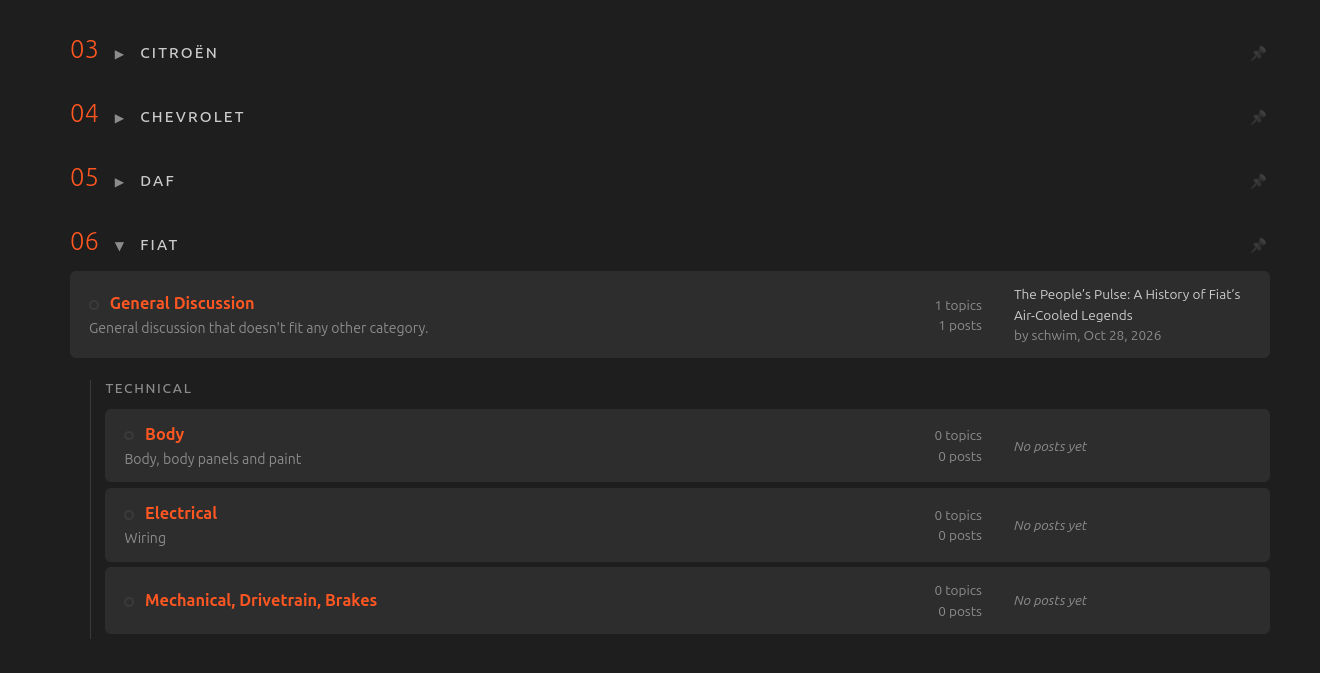
Enjoy the content that you want with none that you don't!